How many hours go into setting up each computer?
Configure startup, prepare Windows, test applications.
Then do it all again on the next machine.
 by
by 
Your work deserves to keep running.
WD-U. Equipment configuration and monitoring software
for experiences that need to keep running.
Configure startup, prepare Windows, test applications.
Then do it all again on the next machine.
Visitors are arriving. Your team needs to know the experience is ready to welcome them.
From setup to the last visitor, you have more to do than keep checking whether an application is still responding.
WD-U. Equipment configuration and monitoring software.
Set up computers and monitor their operation in museums, immersive experiences, brand activations and events.
From the first boot to day-to-day operation, bring the essentials together in one place.
Explore the features ↓From configuration to operating history.
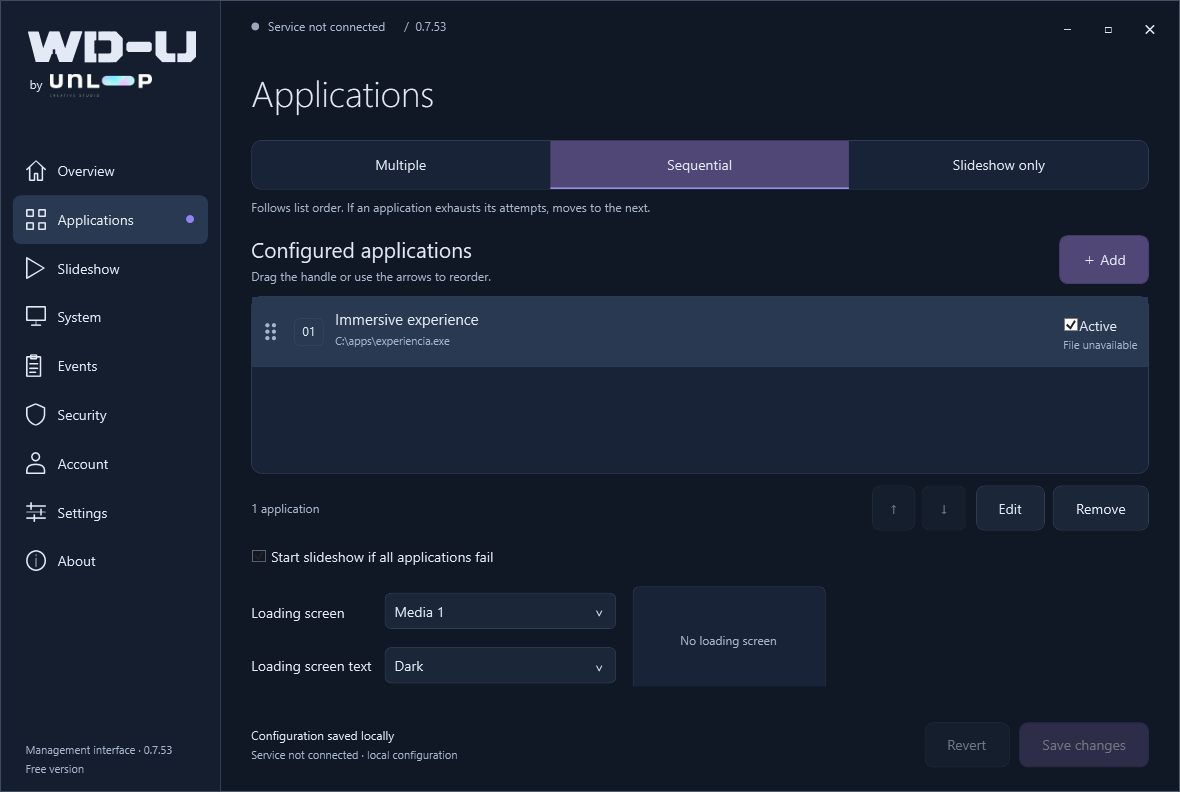
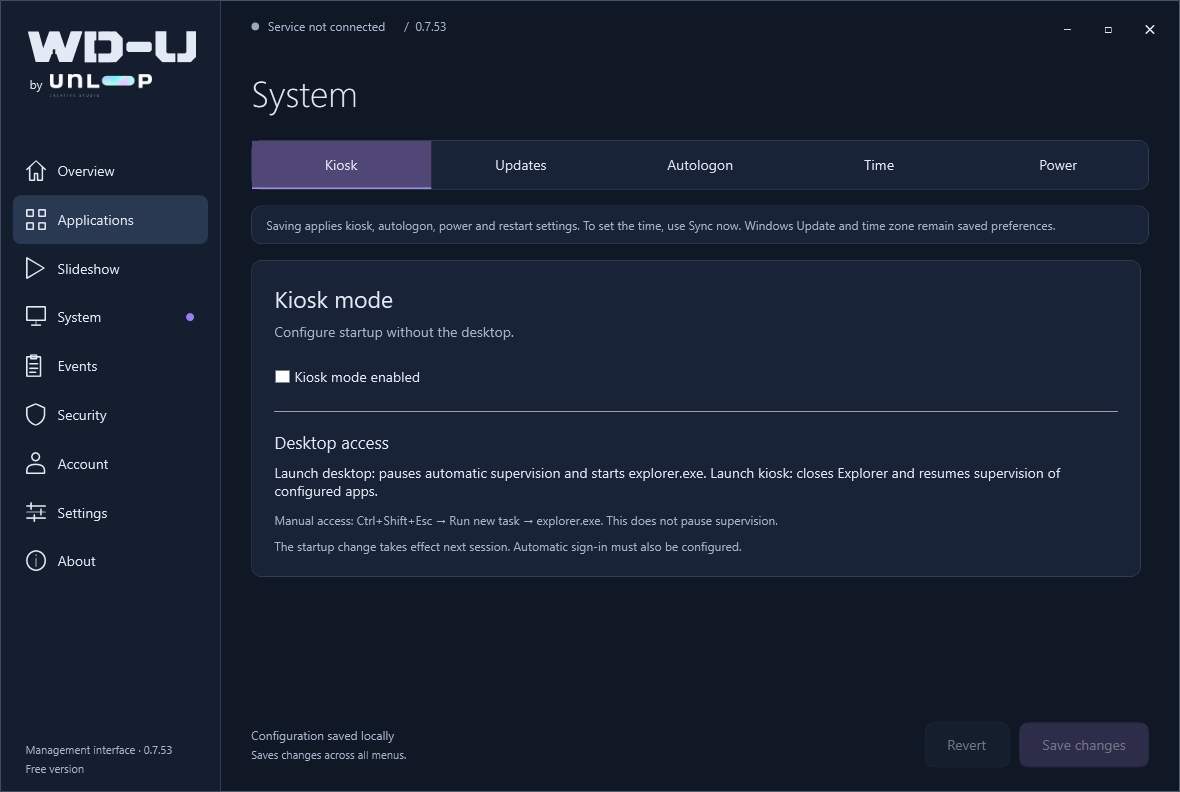
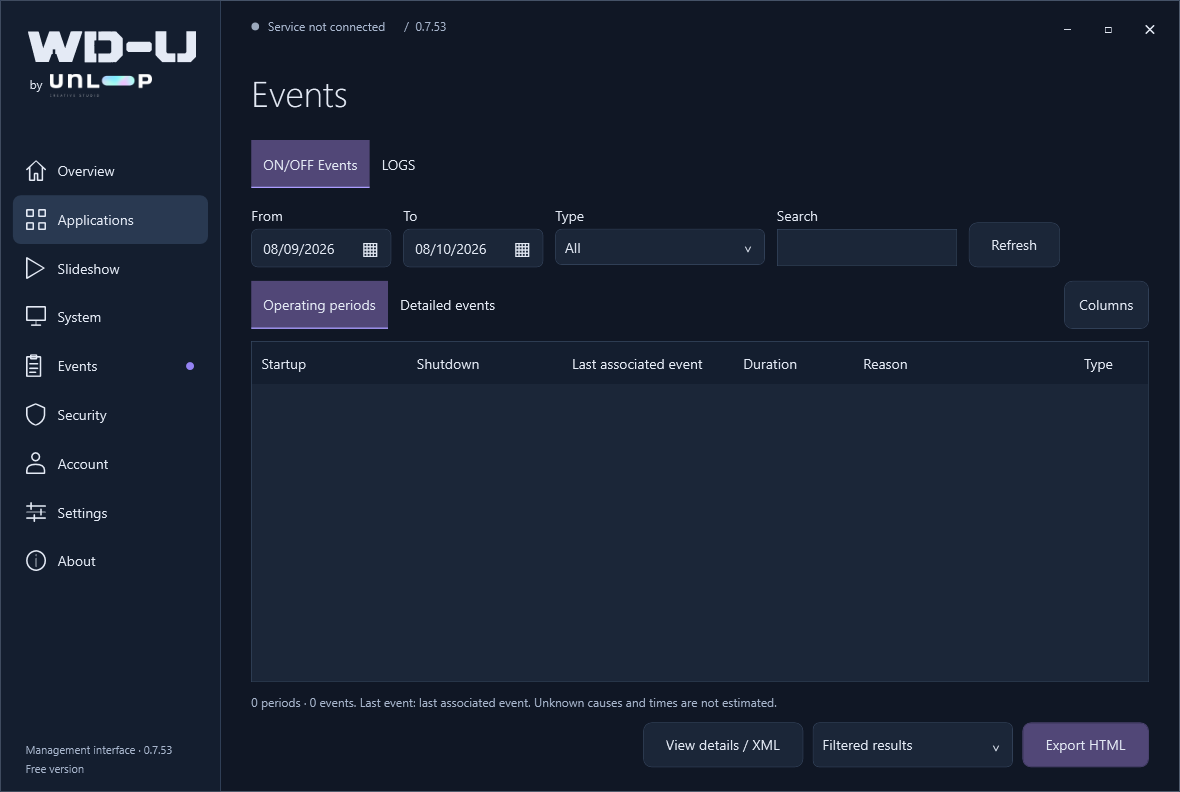
WD-U 0.7.53. Select a screenshot to take a closer look.
 / OPERATING WORKFLOW Keep the experience running
Windows and startup
Applications and content
Response and operation
Resume operation
ONE TOOL. THE WHOLE OPERATION.
Monitor your applications and check whether they are responding. Restart them when they stop working, with the recovery rules you configure.
Configure the computer to start without the Windows desktop. Switch between kiosk and desktop when your team needs to work on the equipment.
Keep the computer and screen on. Prevent automatic sleep, hibernation and display timeout caused by inactivity, so the installation stays ready for visitors.
Choose the days and local time for weekly restarts. Plan them around your opening hours. The schedule continues to work when the WD-U interface is closed.
Configure Windows autologon so the computer can sign in automatically. Combine it with your startup applications and kiosk settings to prepare the opening sequence.
If all configured applications fail, show your fallback slideshow of images and videos. Keep content on the screen while your main experience is unavailable.
Follow the installation and initial setup, step by step.
NO ASTERISKS. NO EXPIRY DATE.
Everything WD-U does.
No features hidden behind a paid version.
01 / No telemetryThe software does not collect or send usage data. We do not know where you install it.
02 / No surprisesNo trial period. No subscription. No paid upgrade waiting around the corner.
03 / For a reasonOver 20 years of creating experiences, we have faced these problems time and again. WD-U is our contribution to the community that deals with them every day.
↗Bring WD-U to your next project.
The software does not send data about your machines. The details you enter here are only for the download form and newsletter.